Why Month One Is the Hardest - and the Most Important
The first month of tracking your spending is almost always uncomfortable. You'll encounter forgotten subscriptions, surprising grocery totals, and spending patterns you'd rather not see. That discomfort is actually the point: accurate data, even when unflattering, is the foundation of every meaningful financial decision you'll make going forward.
This checklist walks you through every setup step so you don't have to figure it out by trial and error. If you haven't yet built a formal budget, consider pairing this checklist with our step-by-step monthly budget guide - tracking and budgeting work best together.
Use the checklist below in order. Some steps take five minutes; others require a bit more reflection. All of them are necessary.
Before You Begin
Choosing and Configuring Your Tracker
Week-by-Week Tracking Habits
End-of-Month Review
Picking Your Tracking Method and Tools
Before logging a single transaction, you need to decide how you'll track. There is no universally correct answer - what matters is choosing a method you'll actually maintain. A spreadsheet you update daily beats a sophisticated app you abandon by week two.
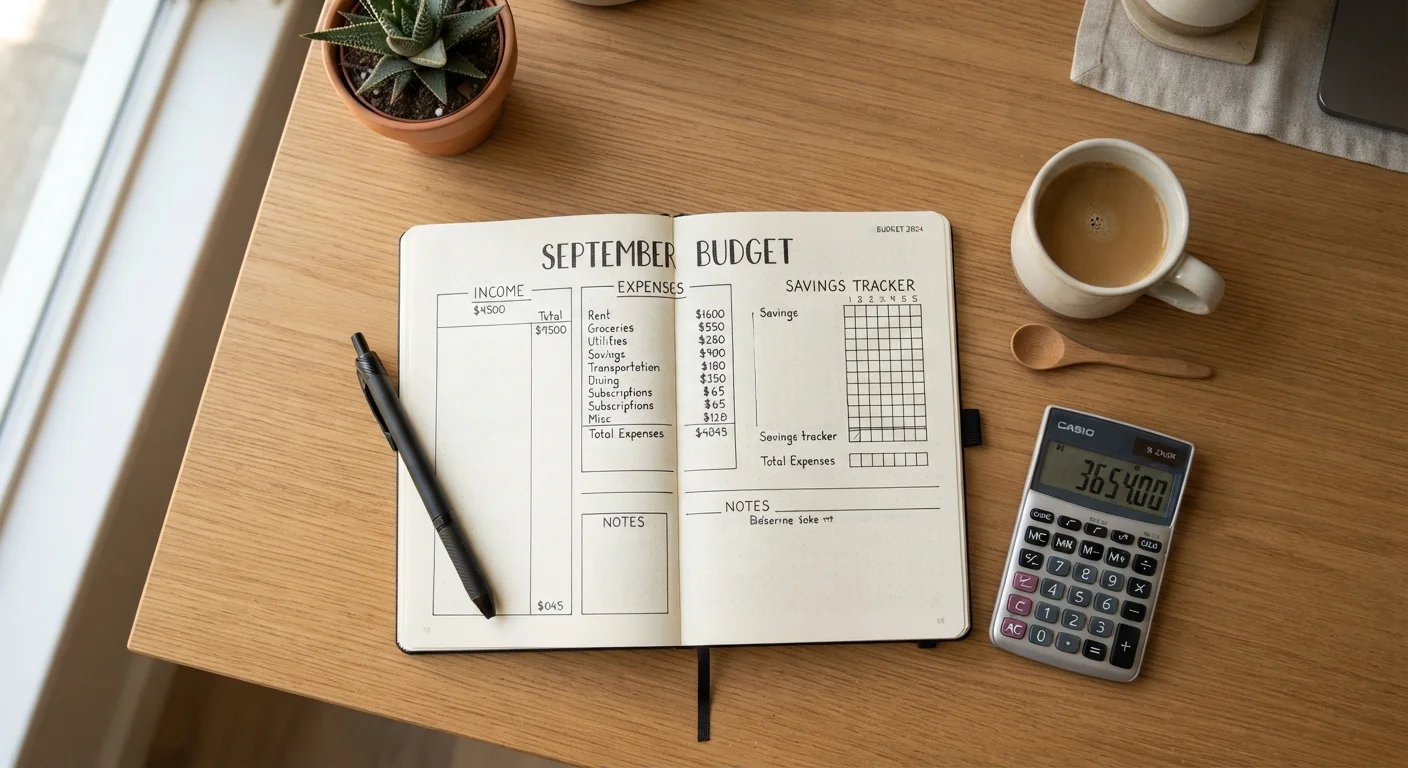
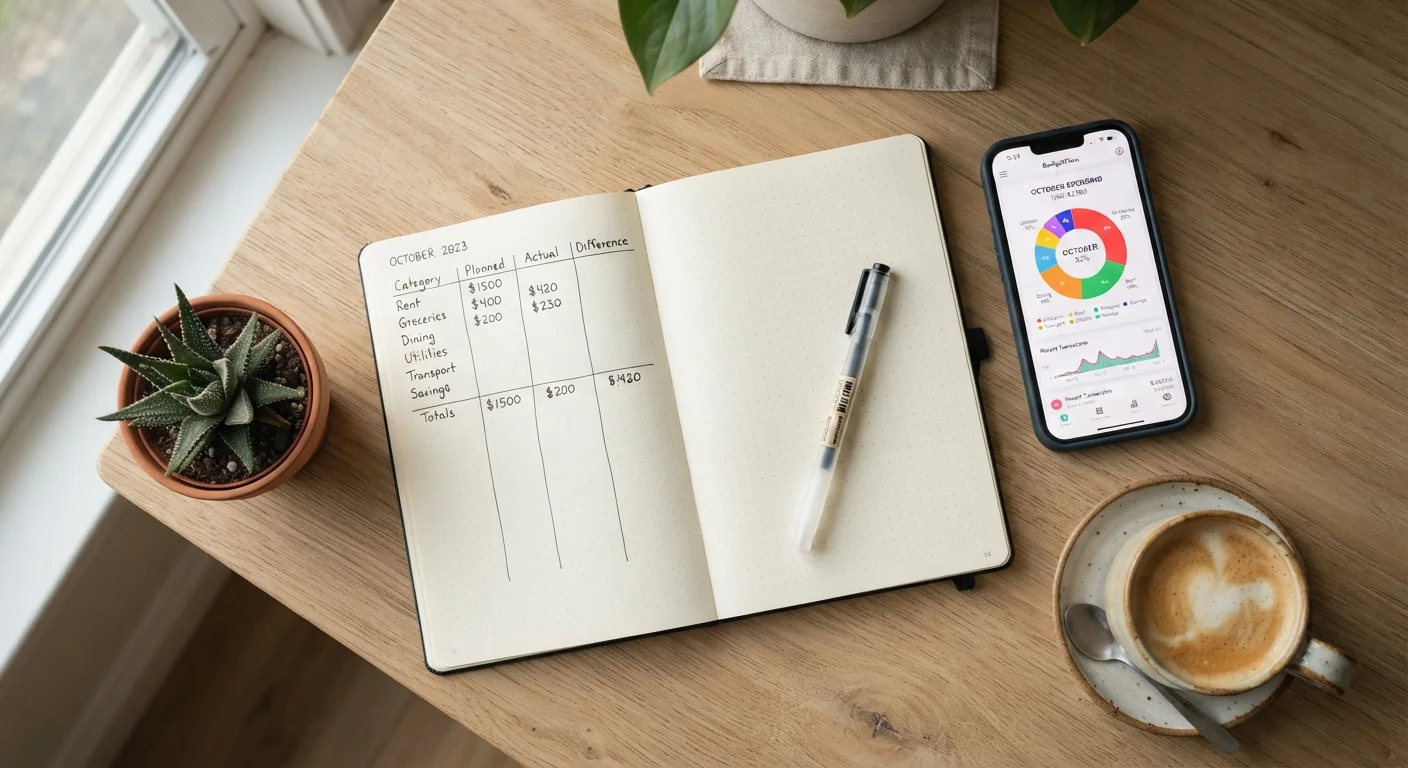
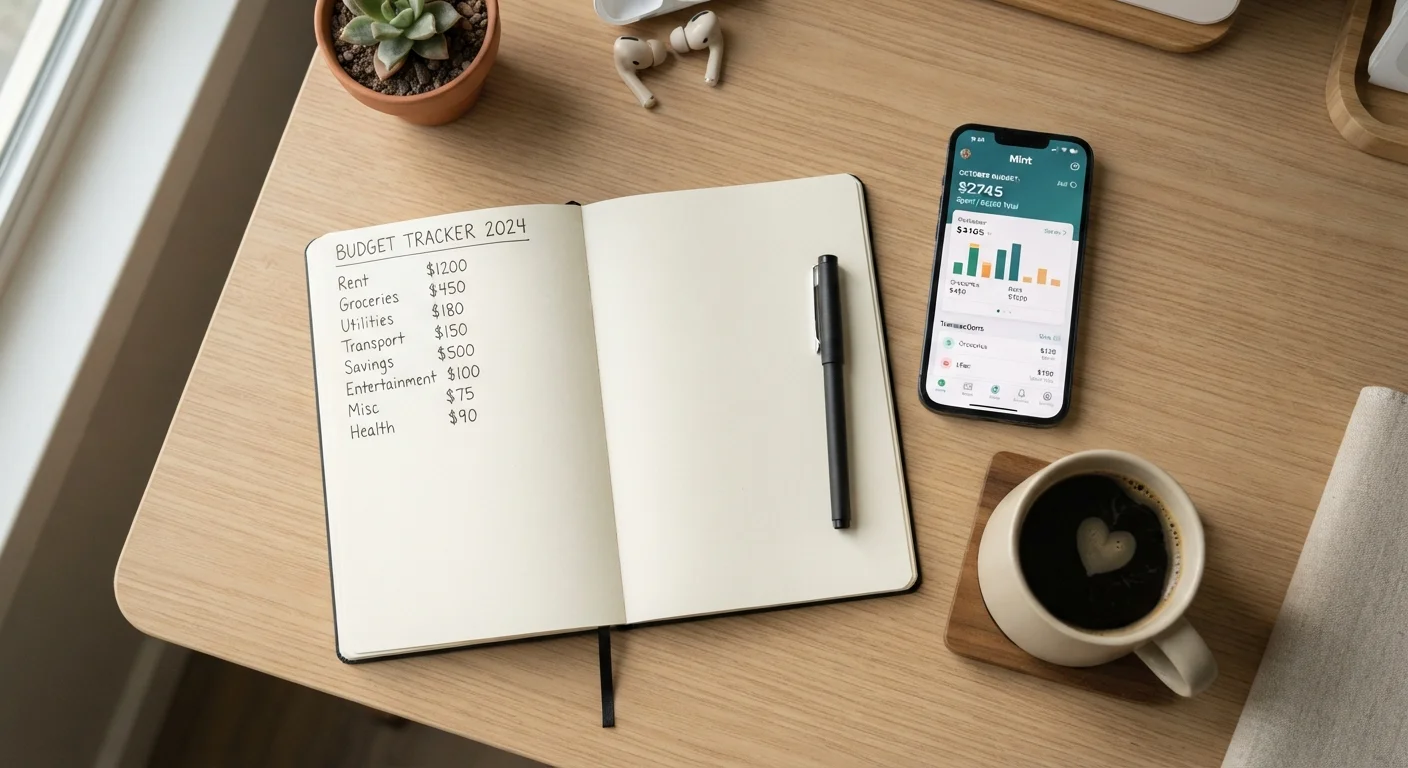
Digital budgeting apps can automate transaction imports from linked accounts, which reduces friction significantly. Manual methods - spreadsheets, notebooks, or ledger-style templates - give you more deliberate control and can make overspending feel more tangible. Both approaches have real trade-offs worth understanding before you commit. Our comparison of manual tracking vs. budgeting apps lays out those differences in detail.
Spreadsheet software
Create fully customizable spending categories and formulas to automatically total expenses by category each month.
Budgeting or expense-tracking app
Automatically import and categorize transactions from linked bank and credit card accounts to reduce manual entry.
Paper ledger or notebook
Manually record every transaction by hand for a tactile, distraction-free method that some people find more engaging.
Bank and credit card statements (2-3 months)
Provide a realistic baseline for spending patterns before you set monthly category targets.
Calendar or reminder app
Schedule weekly tracking sessions and a month-end review so the habit becomes routine rather than reactive.
Linking Accounts Requires Trust in the Platform
When connecting bank accounts to a budgeting app, you are granting that application read access to your financial data. Before linking, review the app's privacy policy and understand how your data is stored and shared. If you're uncomfortable sharing account credentials, a manual spreadsheet or paper method provides full control with no third-party data exposure.
Building Habits That Outlast Month One
Setup is only half the battle. Many people track diligently for a few weeks and then quietly stop. The research on habit formation consistently points to one pattern: consistency matters more than completeness. A weekly ten-minute review is more powerful than a detailed system you only use when motivated.
Schedule a recurring calendar block - Sunday evenings or the first morning of each week are common choices - to review your entries, recategorize anything miscoded, and note any patterns that surprised you. At month's end, compare actuals to your original category targets. Don't judge the numbers harshly; treat them as information.
Once you've stabilized your tracking habits, the natural next step is putting those insights to work. The Saving & Investing hub offers foundational guidance on directing any newly identified surplus toward longer-term goals. If a major purchase - like a car, appliance, or vacation - is on your horizon, our guide on building a household budget with room for big purchases is a logical complement once your baseline habits are in place.
This article is for general informational and educational purposes only and does not constitute personalized financial advice. Consider speaking with a qualified financial professional about decisions specific to your situation.