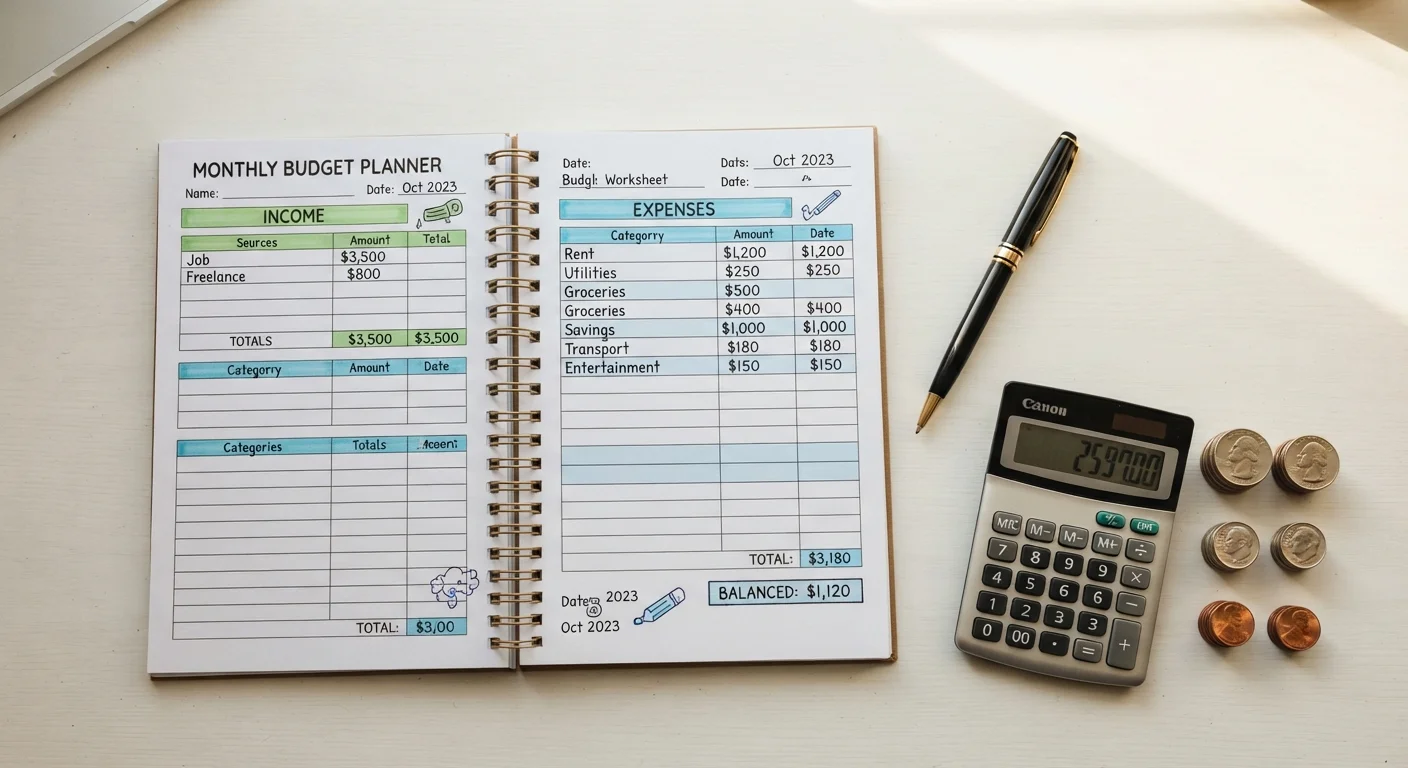
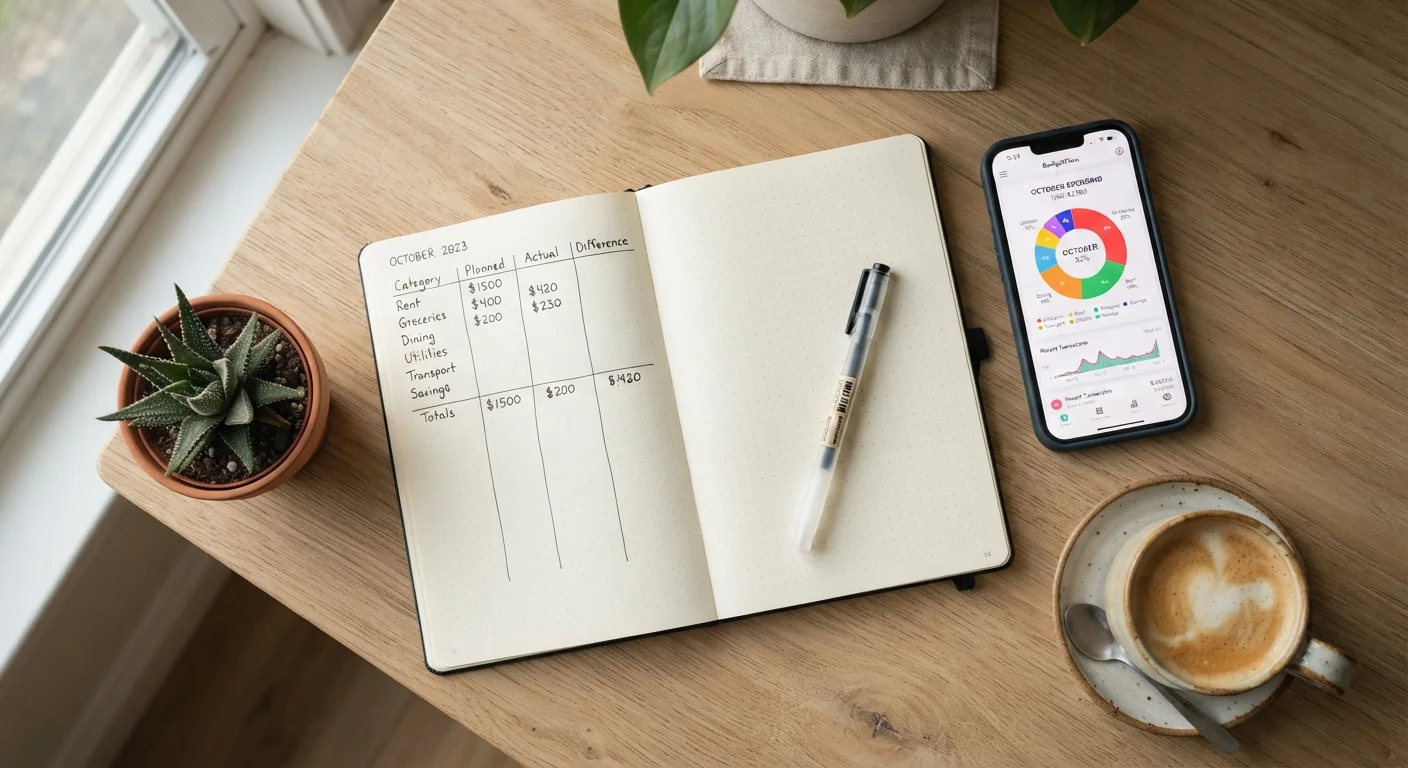
The Core Difference: Effort vs. Automation
At their heart, manual tracking and budgeting apps are solving the same problem: you need to know what you earn, what you spend, and whether those two numbers align with your goals. What differs is how much of the work you do yourself.
Manual tracking - whether in a spreadsheet, a paper ledger, or a simple notebook - puts you in the driver's seat. You record every transaction deliberately, categorize it yourself, and review totals on your own schedule. Budgeting apps, by contrast, connect to your bank accounts or credit cards and import transactions automatically, often categorizing them without any input from you.
That difference in effort is the root of nearly every trade-off discussed below. To explore which budgeting framework fits inside your chosen method, see budgeting methods compared for a breakdown of zero-based, 50/30/20, and other approaches.
Advantages and Disadvantages at a Glance
Before diving into specific scenarios, here is a structured look at what each approach offers and where each tends to fall short.
Full control over categories and structure
You define exactly how to label and group your expenses, which is particularly valuable for unusual income types or highly personalized spending categories that apps may misclassify.
Heightened awareness through deliberate entry
Typing or writing each transaction creates a moment of conscious acknowledgment. Many people report this friction actually reduces impulsive spending over time.
No account linking or data sharing required
Manual methods keep your financial data entirely offline or within tools you already control, eliminating exposure from third-party app data breaches.
Apps sync transactions automatically
Connecting to your bank means you see every charge without needing to remember to log it, keeping your budget picture complete even on hectic days.
Real-time alerts help prevent overspending
Many apps push notifications when you approach a category limit, providing timely feedback that a weekly spreadsheet review cannot replicate.
Visual dashboards make trends easier to spot
Charts showing month-over-month changes in dining or entertainment spending can surface patterns that are harder to see in rows of numbers.
Manual tracking is time-intensive to maintain
Consistent entry requires discipline - missing a few days can create gaps that undermine an entire month's data, making it harder to trust your totals.
Spreadsheets lack real-time alerts
Unless you check your spreadsheet frequently, you may not realize you've overspent a category until you conduct a scheduled review, often too late to adjust.
Apps share data with third-party platforms
Linking bank accounts to a budgeting app means that platform holds sensitive financial data; if the provider experiences a breach, your information may be exposed.
App auto-categorization is often inaccurate
Algorithms may misclassify merchants - a pharmacy charge could be categorized as groceries or personal care - requiring manual corrections to maintain reliable data.
Apps can create passive, low-engagement budgeting
When data flows in automatically, it's easy to glance at charts without truly engaging with your spending, which can undermine the behavioral change budgeting is meant to drive.
One point worth emphasizing: research in behavioral economics consistently finds that friction - the effort required to complete a task - can actually be beneficial in budgeting. Manually entering a $47 restaurant charge forces you to acknowledge it in a way that an auto-imported transaction may not. That said, high friction can also cause people to abandon a system entirely, which is worse than an imperfect one they actually use.
When Manual Tracking Has the Edge
Manual tracking tends to perform well in three situations:
- You're just starting out. Building a budget from scratch with pen and paper forces you to confront your spending categories without the noise of automated suggestions. Many people discover spending patterns they genuinely didn't know existed.
- You have privacy concerns. Connecting financial accounts to a third-party app means sharing sensitive data with that platform. Manual tracking requires no account linking and carries no data-breach exposure from a budgeting service.
- Your income or expenses are irregular. Freelancers, gig workers, and small business owners often find that auto-categorization in apps struggles with variable income streams. A custom spreadsheet can be structured exactly the way your cash flow actually works.
If you're using manual tracking for a specific goal - like managing costs for an upcoming trip - the spending tracker setup checklist offers a practical month-one framework to get organized quickly.
Spreadsheets Are Not One-Size-Fits-All
A basic spreadsheet can range from a single tab with two columns to a multi-sheet model with automated formulas tracking savings rates and debt paydown. The complexity you build in should match the complexity you're actually willing to maintain. Starting simpler and adding detail over time tends to produce more durable habits than building an elaborate system on day one.
When Budgeting Apps Have the Edge
Apps close the gap on manual tracking's biggest weakness: consistency. Missing a few days of entries in a spreadsheet can render a whole month's data unreliable. Apps, by pulling transactions automatically, maintain a more complete picture even during busy weeks.
They also shine in households with multiple spenders. Shared app access means both partners can see the same data in real time, reducing the need for manual reconciliation conversations. Spending alerts - such as notifications when a category approaches its limit - provide timely feedback that a weekly spreadsheet review cannot.
~30%
US adults using a budgeting app regularly
Survey data from various financial research organizations suggests roughly a quarter to a third of US adults use a digital budgeting tool, though adoption rates vary by age group and income level.
1 in 3
Budgeters who abandon their system within 90 days
Financial counselors and behavioral researchers frequently note that consistency - not method choice - is the primary predictor of budgeting success over the first few months.
That said, apps are only as accurate as their categorization logic. A hardware store charge split between home repair and a personal gift may never be categorized correctly without manual adjustment. Treating app data as authoritative without periodic review is a common pitfall.
For a parallel look at how automated tools work in a different domain, the spending tracker setup guide illustrates how structured habit-building applies regardless of the tool you choose.
Choosing What Actually Works for You
The most effective budgeting method is the one you'll sustain. A few questions can help clarify the right fit:
- How much time can you realistically commit each week? If 10-15 minutes of manual entry feels manageable, a spreadsheet is viable. If not, an app reduces that burden significantly.
- Do you have concerns about linking financial accounts to third-party software? If yes, manual tracking or an offline spreadsheet is the lower-risk path.
- Do you tend to need real-time alerts to curb overspending? Apps provide that; manual systems generally do not.
Many people land on a hybrid: an app handles day-to-day transaction logging while a monthly manual review - even just 20 minutes with a spreadsheet - adds the reflective layer that apps often lack. This combination can capture the benefits of both approaches without requiring full commitment to either.
This article is for general informational and educational purposes only and does not constitute personalized financial advice. For guidance specific to your situation, consider consulting a licensed financial professional.